What Is Pixel LED? Complete Guide to Addressable LEDs (2026)
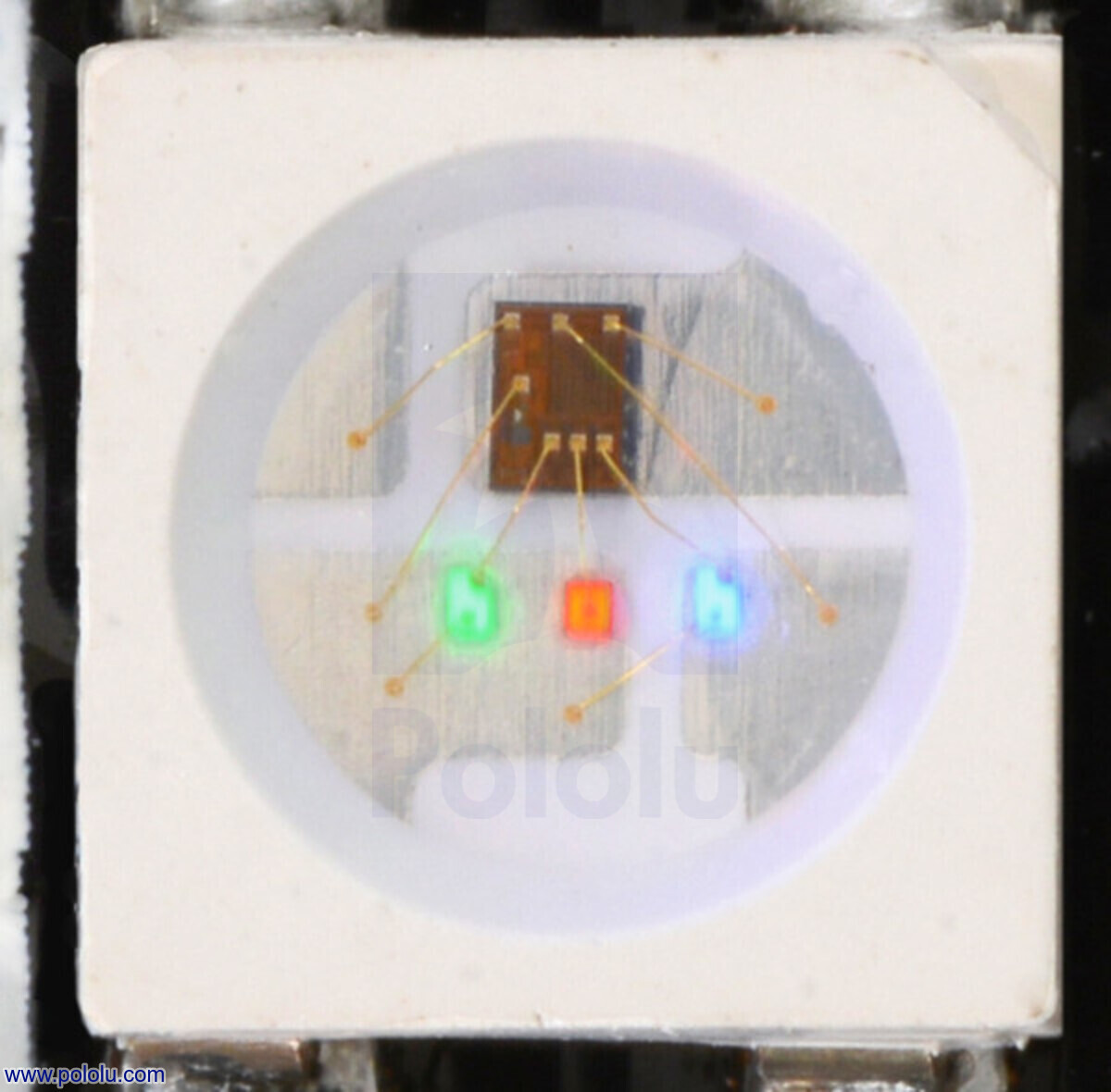
A pixel LED (also called an addressable LED) is a light-emitting diode with a built-in driver chip that allows each LED on a strip or panel to be controlled independently. Unlike standard LED strips where every light shows the same color, pixel LEDs let you display different colors on each individual LED simultaneously — enabling animations, patterns, video-like effects, and complex lighting designs.
Pixel LEDs use a serial data protocol where a microcontroller sends color data (24 bits per LED: 8 red, 8 green, 8 blue) down a single data wire. The first LED reads its 24 bits and passes the remaining data to the next LED, daisy-chaining through the entire strip.

How Pixel LEDs Work
Pixel LEDs operate on a simple chain protocol:
- Controller sends color data — Each LED needs 24 bits (8 bits per color channel × 3 channels = 16.7 million possible colors)
- First LED reads its data — The first LED in the chain takes the first 24 bits and sets its color
- Data passes down the line — Remaining bits are forwarded to the next LED
- Chain continues — Each LED reads its 24 bits and forwards the rest
- Latch signal — After all LEDs have read their data, a latch signal tells them all to update simultaneously
This means you can control hundreds or thousands of LEDs with just one data pin from your microcontroller.
Key Components
| Component | Purpose |
|---|---|
| LED die | The actual light-emitting semiconductor (typically RGB or RGBW) |
| Driver IC | The chip inside each LED that receives data and controls brightness (e.g., WS2812B) |
| Data line | Single wire carrying serial data from controller to LEDs |
| Power lines | 5V or 12V + Ground (separate from data) |
| Decoupling capacitor | Stabilizes voltage at each LED (built into most modern pixel LEDs) |
Common Pixel LED Types
| LED Type | Voltage | Data Lines | Refresh Rate | Best For |
|---|---|---|---|---|
| WS2812B | 5V | 1 | 400 Hz | Most projects, budget-friendly, widely available |
| SK6812 | 5V | 1 | 400 Hz | RGBW (warm white) applications, similar to WS2812B |
| WS2815 | 12V | 1 + backup | 400 Hz | Long runs, better noise immunity, backup data line |
| APA102 | 5V | 2 (SPI) | 2,000+ Hz | High-speed animations, persistence-of-vision displays |
| GS8208 | 12V | 1 | 400 Hz | Similar to WS2815, different timing protocol |
| TM1637 | 5V | 2 | N/A | LED segment displays, not for strips |
Which Pixel LED Should You Choose?
- WS2812B — Start here. The most popular pixel LED with the best library support (FastLED, Adafruit NeoPixel, WLED). Available in 60, 144, and 300 LEDs/meter densities.
- SK6812 — Choose this if you need a warm white channel (RGBW) for architectural lighting or photography.
- WS2815 — Choose for installations over 5 meters where voltage drop and noise are concerns. The backup data line means if one LED fails, the rest keep working.
- APA102 — Choose for high-speed applications like persistence-of-vision (POV) displays or music visualizers that need 2,000+ Hz refresh rates.
Pixel LED vs Standard LED Strip
| Feature | Standard LED Strip | Pixel LED Strip |
|---|---|---|
| Color control | All LEDs same color | Each LED independent |
| Data wire | None (just power) | 1-2 data wires |
| Controller | Simple dimmer | Microcontroller (Arduino, ESP32, Raspberry Pi) |
| Effects | Solid color, simple fading | Animations, patterns, video, text |
| Price | $2-5/meter | $5-25/meter |
| Power | 12V/24V, low current | 5V/12V, higher current |
Common Pixel LED Applications
- Home decoration — LED strips under cabinets, behind TVs (bias lighting), along stairways
- Stage & event lighting — Dance floors, stage backdrops, concert rigs
- Holiday displays — Christmas lights, Halloween decorations, animated window displays
- Architectural lighting — Building facades, bridge lighting, retail displays
- Art installations — Interactive sculptures, responsive environments
- LED walls & signage — Pixel panels for text, graphics, and video
How to Control Pixel LEDs
You need three things:
- A pixel LED strip or panel — WS2812B, SK6812, WS2815, etc.
- A microcontroller — ESP32 (recommended), Arduino, Raspberry Pi, or a dedicated LED controller (T-1000S, K-1000C)
- Software — WLED (easiest), FastLED, Adafruit NeoPixel, or LEDEdit for programming
Recommended Software
| Software | Platform | Best For |
|---|---|---|
| WLED | ESP32/ESP8266 | WiFi control, music sync, 100+ presets — recommended for beginners |
| FastLED | Arduino/ESP32 | Custom animations, maximum performance |
| Adafruit NeoPixel | Arduino/ESP32 | Simple projects, easy to learn |
| LEDEdit | Windows | SD card programming for T-1000S/K-1000C controllers |
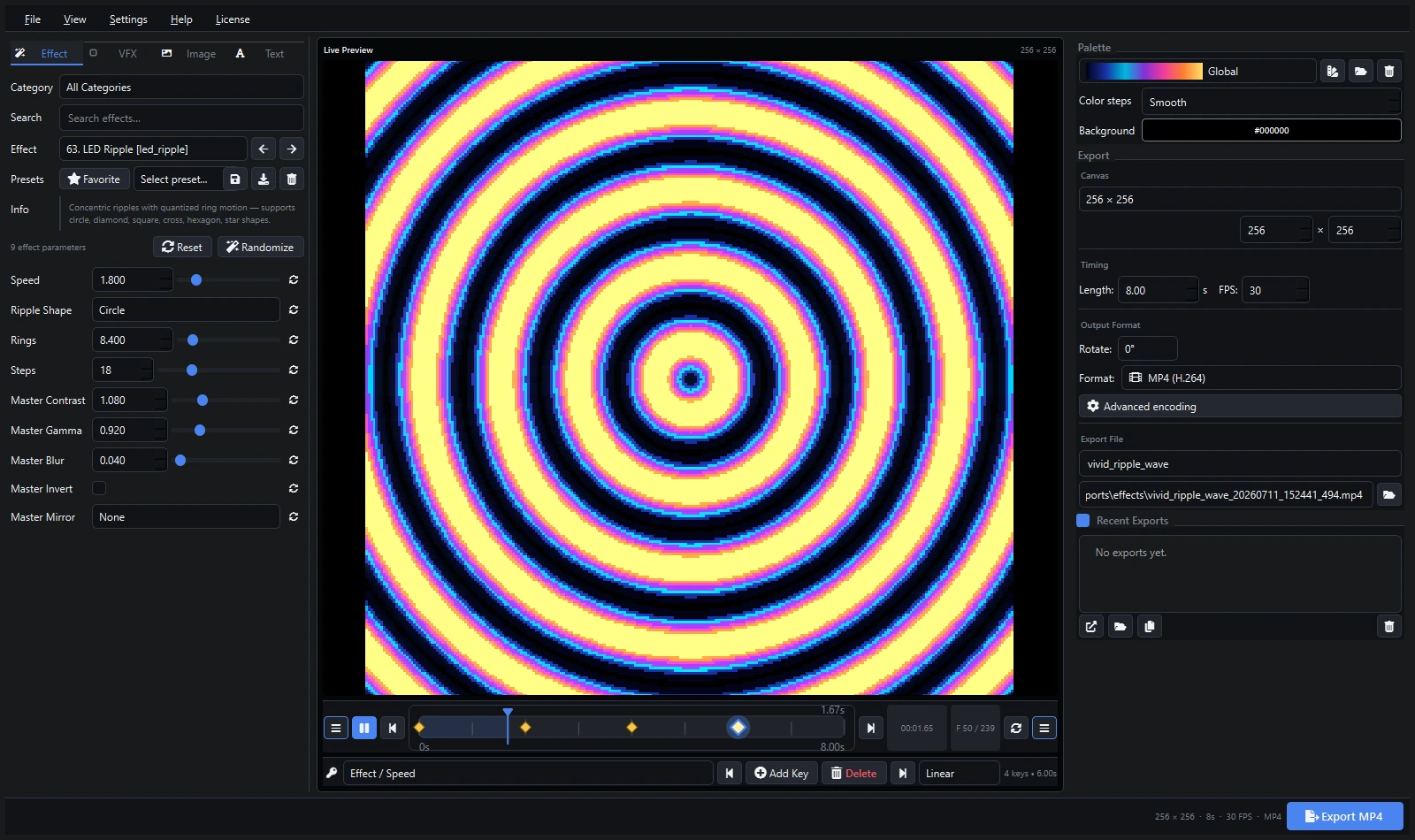
| Pixel LED Animator | Windows | Advanced keyframe animation, XDAT export |