Analog vs Digital LED Strips
Analog vs Digital LED Strips
LED strips fall into two main categories: analog (dumb/non-addressable) and digital (addressable/pixel).
| Feature | Analog (Non-Addressable) | Digital (Addressable/Pixel) |
|---|---|---|
| Each LED | All LEDs show same color | Each LED individually controllable |
| Control | Single PWM signal per channel | Serial data protocol (WS2812B, APA102, etc.) |
| Wiring | 4 wires (R, G, B, +V) or 2 (CW, +V) | 3 wires (Data, +V, GND) or 4 (Data, Clock, +V, GND) |
| Effects | Solid colors, fades, color jumps | Fades, chases, gradients, animations, text |
| Cost per meter | $3–$8 | $8–$25 |
| Best for | Cove lighting, under-cabinet, accent | Matrices, signs, holiday shows, art |
Analog (Non-Addressable) Strips
Analog strips have all LEDs connected to the same RGB channels. Every LED shows the same color simultaneously.
Pros:
- Simpler to install and control
- No data timing issues
- Works with any PWM dimmer
- Cheaper per meter
Cons:
- Each segment (typically 1m) is a single color
- Cannot create pixel-level effects
- Requires dedicated driver per channel
Digital (Addressable) Strips
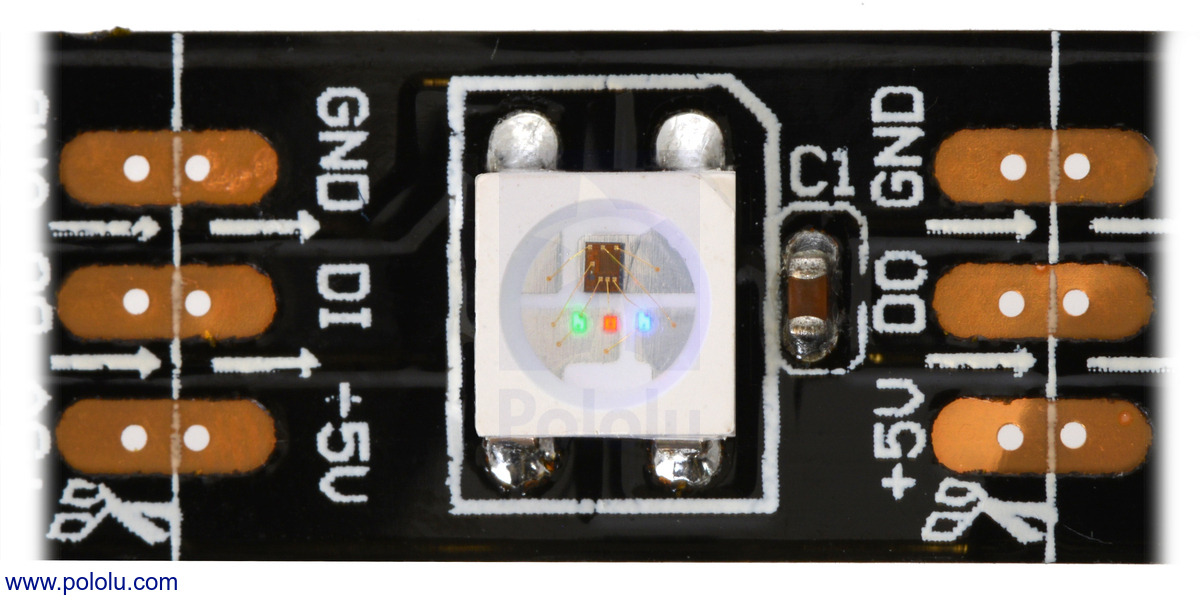
Digital strips have a driver IC embedded at each LED (e.g., WS2812B, APA102), allowing individual pixel control.
Pros:
- Each pixel can be a different color
- Supports complex effects and animations
- Single data wire controls all pixels
- Ideal for matrices, text, and art
Cons:
- Signal degradation over long runs
- Requires compatible controller and firmware
- More expensive
- Timing-sensitive protocols
Use Case Decision
| If you want to… | Choose |
|---|---|
| Light up a room in a single color | Analog |
| Create a twinkling holiday light show | Digital |
| Backlight a TV with ambient colors | Analog |
| Build a scrolling text sign | Digital |
| Install under-cabinet kitchen lighting | Analog |
| Make a sound-reactive LED matrix | Digital |