Top 10 LED Matrix Effects You Can Create in Minutes with Pixel LED Animator 3
The difference between a good LED matrix and a memorable one is the effects. The stock presets that ship with controllers are fine for a first week - but if every matrix in town runs the same ten animations, yours blends in. Here are ten effects worth generating, all produced per-pixel with Pixel LED Animator 3 at your matrix’s exact resolution.
1. Matrix Rain
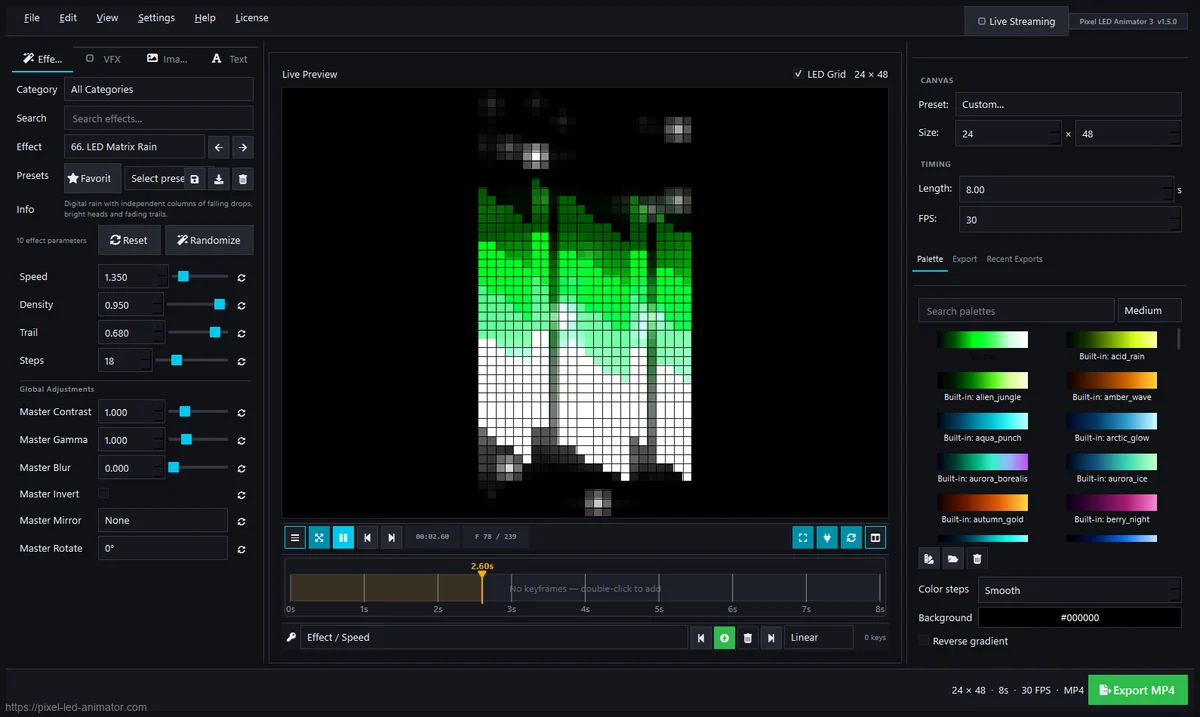
The classic digital rain, done properly: per-pixel drops with speed and density parameters, colored by whatever palette you set. It works on any size - a 16x16 badge reads just as well as a 64x64 wall. Crank the speed for an energetic club wall, slow it for a bar’s back wall.
2. Neon Kaleidoscope
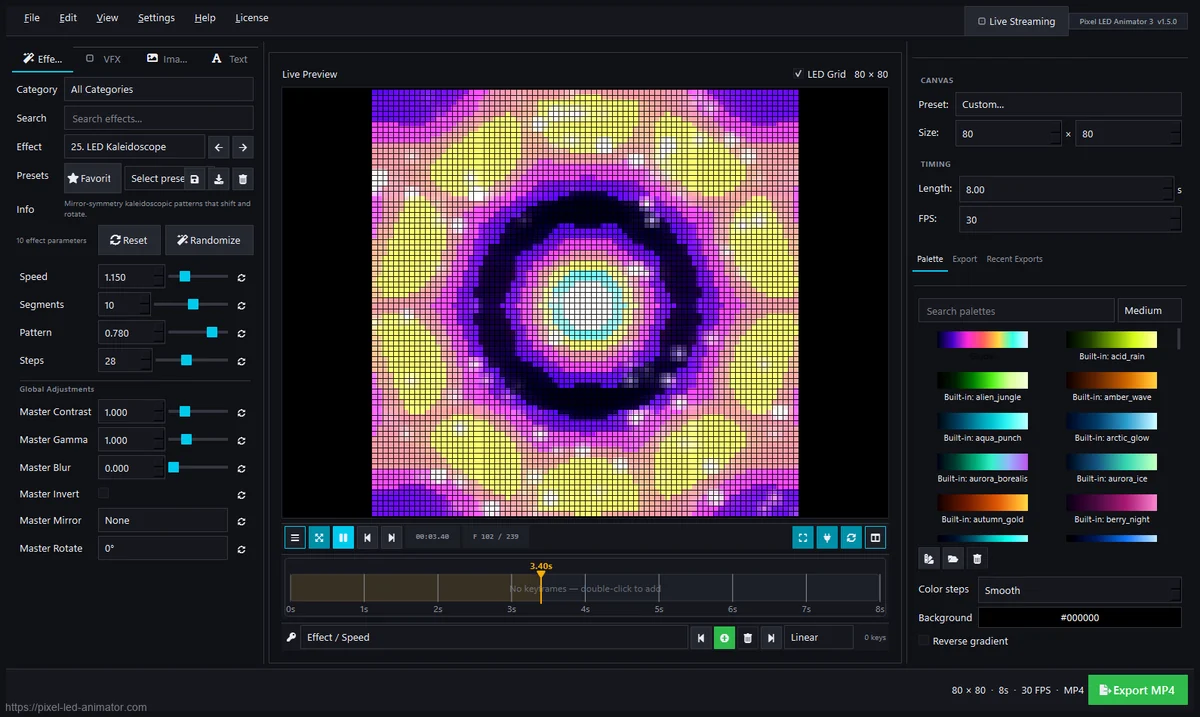
Symmetry does most of the work. The kaleidoscope generator mirrors the visual across axes and rotates it slowly, and the result instantly looks expensive - especially with a black background and two saturated colors. Great filler between audience-facing content on event walls.
3. 3D Cube
A rotating wireframe cube, rendered on a flat pixel grid - it reads as real depth every single time. Because the effect runs on the VFX layer, you can combine it with zoom and grid effects for a whole rotating world. A guaranteed crowd-stopper on HUB75 panels.
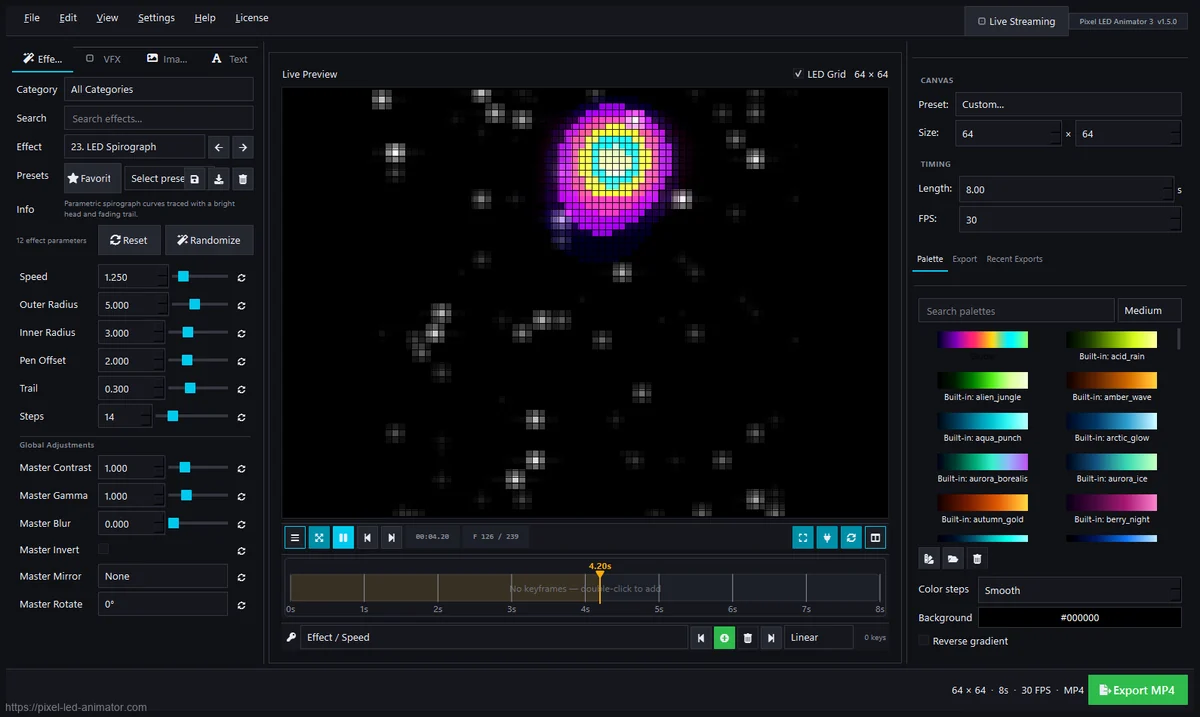
4. Ocean Voronoi
Organic, ambient, and hypnotic: Voronoi cells drift and breathe like water under a microscope. This is the effect for lounges, lobbies and waiting areas - subtle enough to watch for hours, alive enough to never be boring. Pair it with slow palette keyframes for a full “living wall” look.
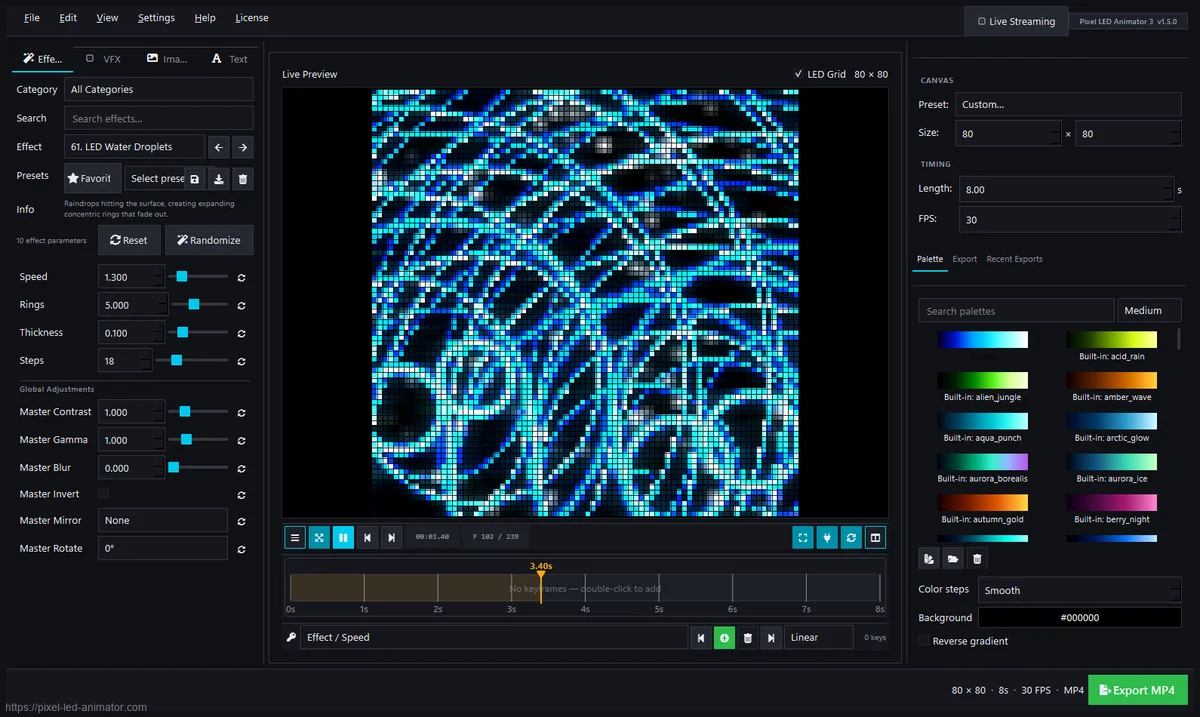
5. Boids Swarm
Hundreds of independent particles that follow simple rules - cohesion, alignment, separation - and the emergent motion looks astonishingly organic. Adjust density and speed, then tint the swarm with a gradient palette. It’s the closest thing to keeping actual fish in your wall.
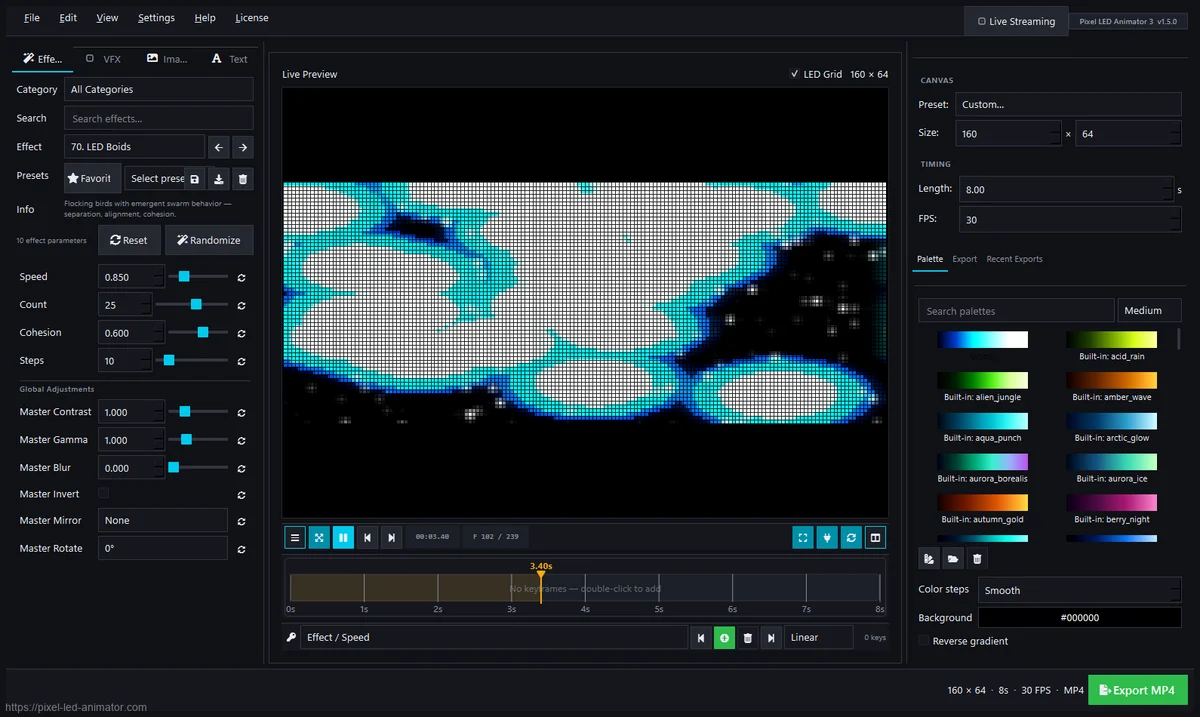
6. Prismatic Plasma
The plasma that made Glediator famous, evolved: smooth interference-pattern colors, but with modern parameters - scale, contrast, palette response - and no more struggling with the 2005-era workflow. The aura of classic VJ nostalgia with a needle-sharp per-pixel quality.
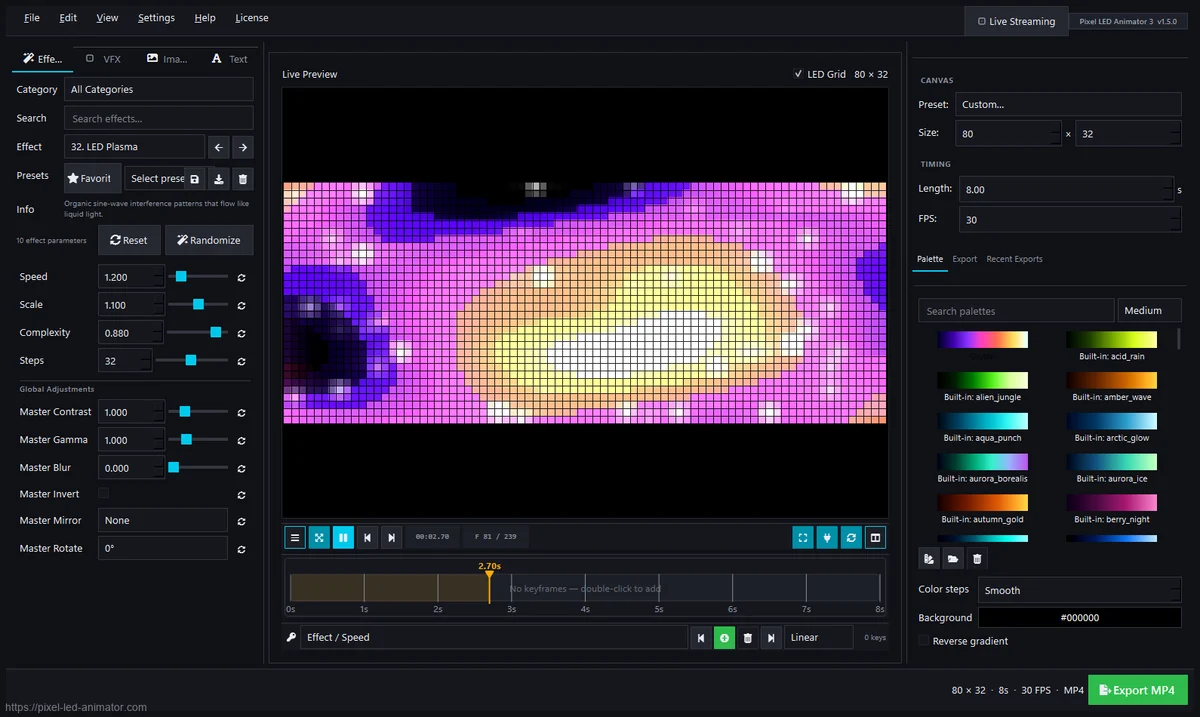
7. Shutter and Strobe Effects
The disco section of your show. Shutter generators run synchronized strobes, beats and flashes over any other effect - run them on a separate layer and trigger scene changes to match the music. On audio nights they turn a static wall into a crowd pump.
8. Spiral Effects
Spirals read beautifully on wide and tall matrices and are among the most parameter-friendly effects: rotation speed, arm count, thickness and color cycle all make dramatic differences. A slow outward spiral with a two-color gradient is a safe neutral that still looks custom.
9. Stacking Effects
Stacking generators build the picture from bars, slices and pixel groups that accumulate and fade. The technique is underused outside old-school LED work, which means your wall looks different from every other wall - free uniqueness.
10. Keyframe-Driven Motion
Not one effect but a whole class: take any generator, place keyframes - positions, intensity, palette moves - and the animation becomes a composed scene instead of a loop. This is what separates ambient pads from designed shows, and it’s the biggest upgrade over stock effects.
Which one should you start with?
Matrix Rain for a first attempt (instant gratification), Boids Swarm for portrait-oriented walls, 3D Cube when you want to impress, and Shutter + audio when you’re running an event. All of them export in one click to SWF, XDAT, AVI, MP4, MOV or GIF for your controller or sequencer.
Pixel LED Animator 3 is a one-time purchase with a lifetime license - all 3.x updates included, one PC, €99 + VAT.
More on the hardware that runs these effects: HUB75 vs WS2812B, LEDEdit software and controllers, and how to keep everything audio-reactive.