Pixel LED Animator 3: The Effect Generator for LedEdit, Jinx!, Glediator & xLights
Every pixel LED project hits the same wall eventually: the effects. Whether you sequence with LedEdit, run gigs in Jinx!, or build strips with Glediator-style generation, at some point you are stuck scrolling through the same ten built-in animations - and the smiley faces. You need new effects, you need them fast, and you need them to actually look good on your matrix.
That’s exactly what Pixel LED Animator 3 was built for: a modern pixel LED effect generator that creates fresh, professional animations in minutes - not evenings - and exports them straight into the tools you already use.
What is a pixel LED effect generator?
A pixel LED effect generator creates animation frames algorithmically instead of making you hand-place every pixel. Think Glediator’s famous plasma and matrix effects, pushed much further: each effect has parameters you can tweak in real time, and the output is rendered per-pixel so it matches your physical matrix exactly - width, height, color order, the lot.
Pixel LED Animator 3 takes that idea and adds what most generators never had: 100+ built-in effect generators, a full keyframe animation system, a real-time preview, and a proper color palette editor with custom gradients.
The problem with LedEdit effects
LedEdit ships with a fixed set of effects and empty frames. Making custom LedEdit effects means editing frames by hand - placing pixels one by one, hoping the animation reads well on a larger matrix. It’s slow, and it’s hard to reuse.
Pixel LED Animator 3 fixes both problems. Effects are generated with parameters, so one generator gives you hundreds of variations. The SWF export produces LedEdit-compatible effects (SWF), and XDAT export is supported natively for controllers that read XDAT directly. You design once, export, and your LED controllers can play it from an SD card all night.
The problem with Jinx! sequences
Jinx! is a great real-time sequencer, but generating custom effects for it is fiddly. Pixel LED Animator 3 exports AVI (and MP4, MOV, GIF) which Jinx! plays back through its video layer - so you can combine generated effects with the live scenes you already run.
You also get the real-time preview on any matrix size, which is a lifesaver when you’re designing effects at home for a wall you won’t see until show night.
Glediator users: a modern replacement
If you came from Glediator, you’ll recognize the style of generation - and get a whole generation newer feature set:
- 100+ effect generators - shutter, stacking, spiral, matrix, keyframe, palette effects and many more
- Keyframe animation - per-pixel keyframes with smooth, precise transitions
- Advanced color palette editor - preset schemes, custom gradients, linear and radial gradient types
- VFX layer - time symmetry, color inversion, grid effects, zoom controls, advanced blending modes
- Per-pixel preview - see exactly what your matrix will show, before export
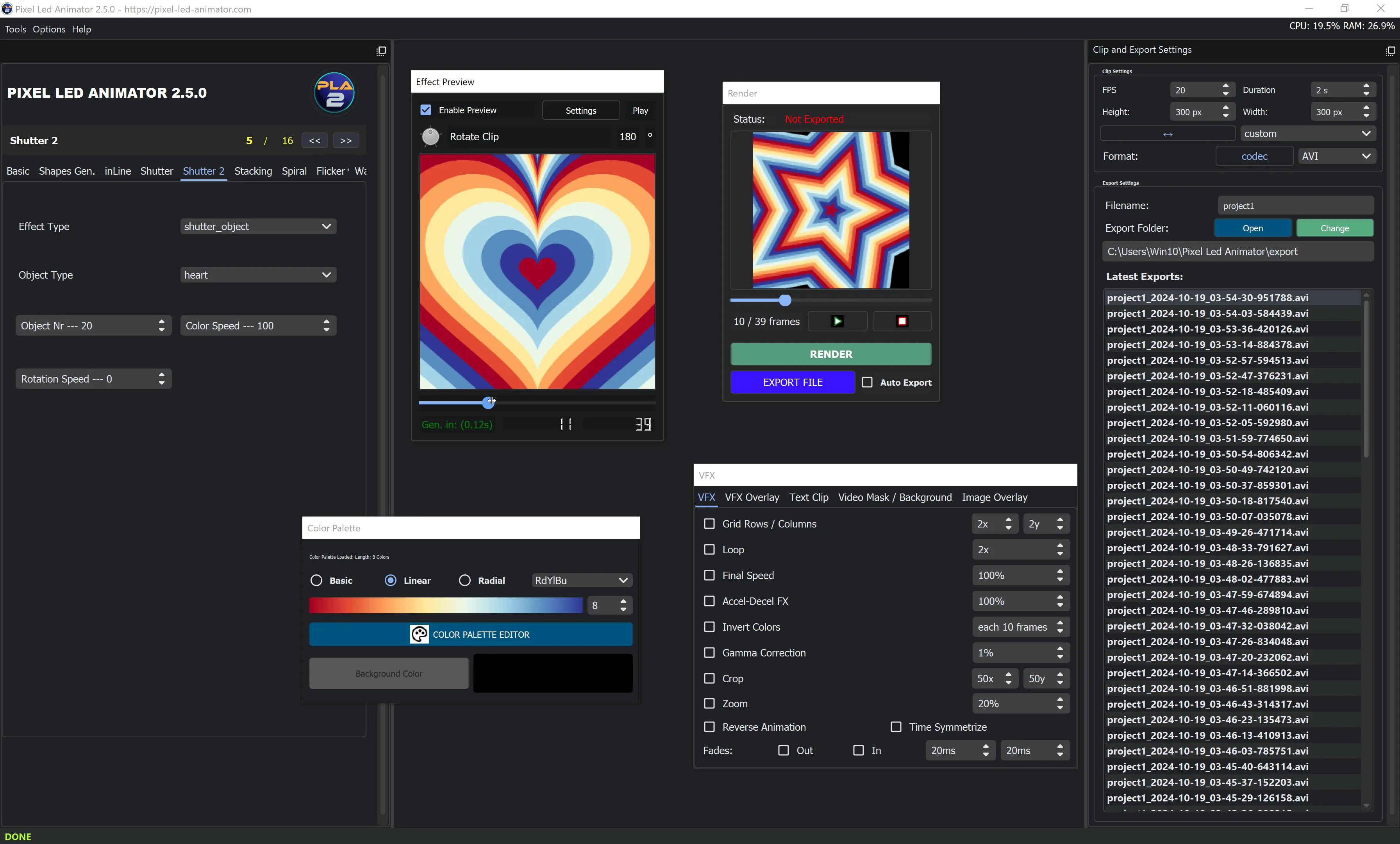
The palette editor is where the look is born: presets, custom gradients, linear and radial gradient types - all updating live on your matrix preview as you drag:
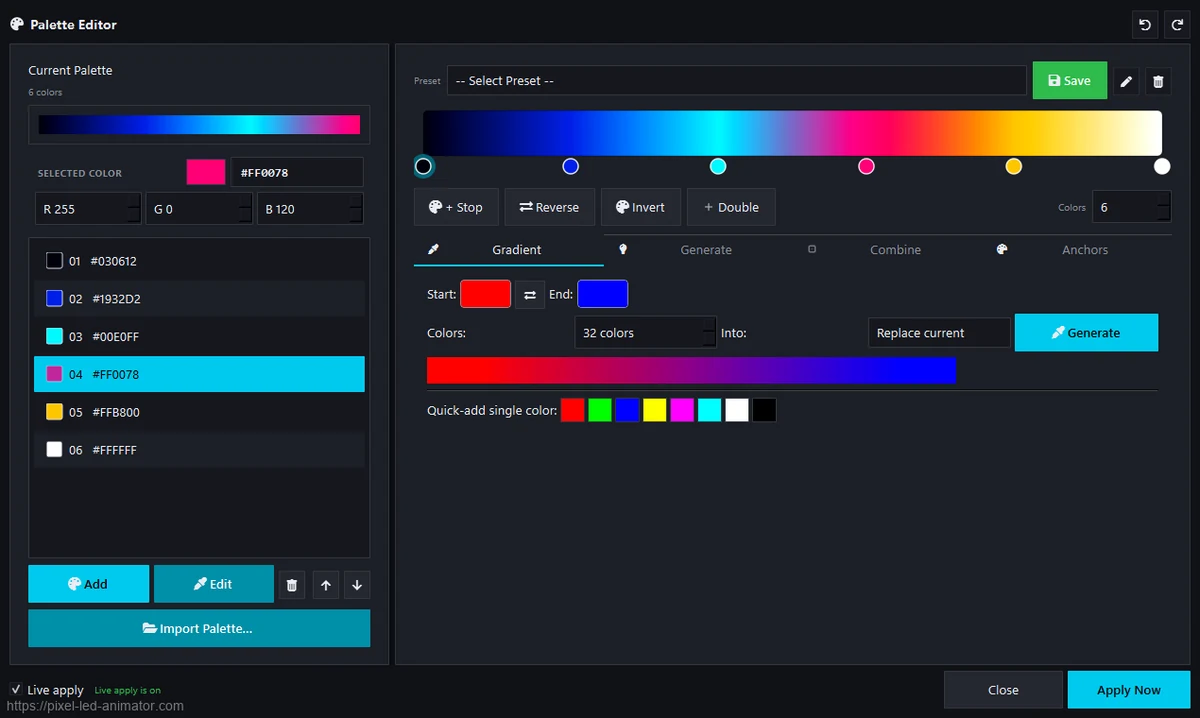
What generated effects look like
Matrix rain, a neon kaleidoscope and a rotating 3D cube - three of the 100+ effect generators, rendered per-pixel at your exact matrix resolution:
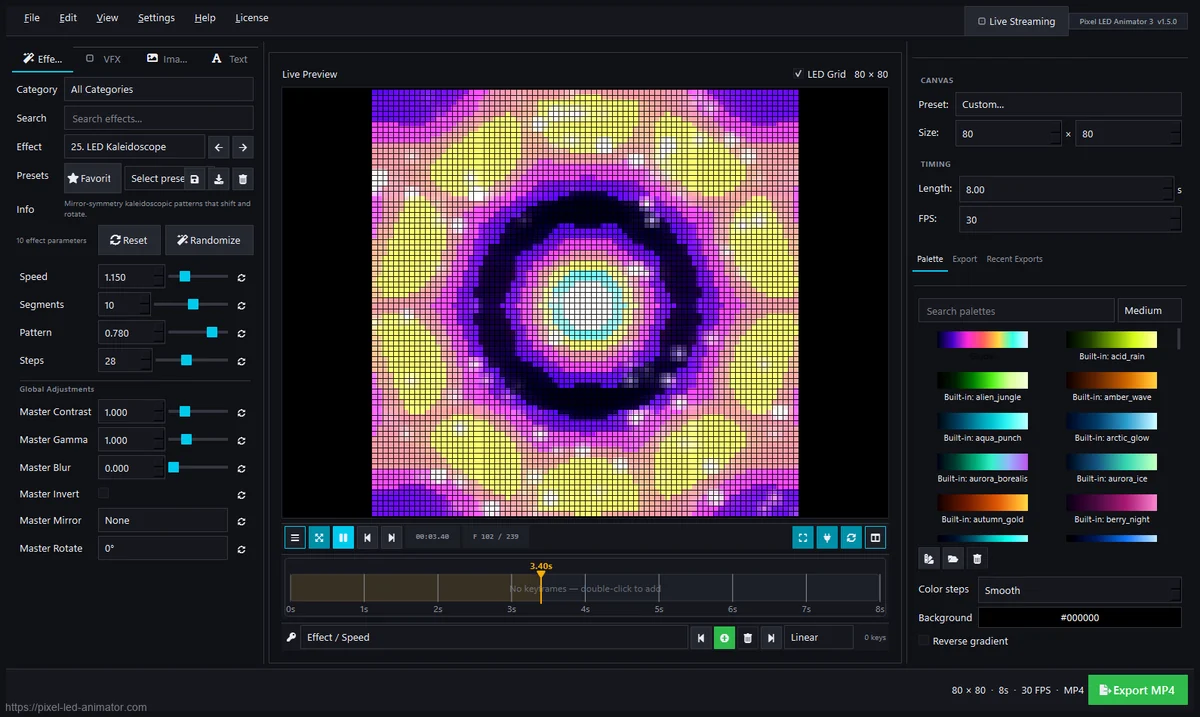
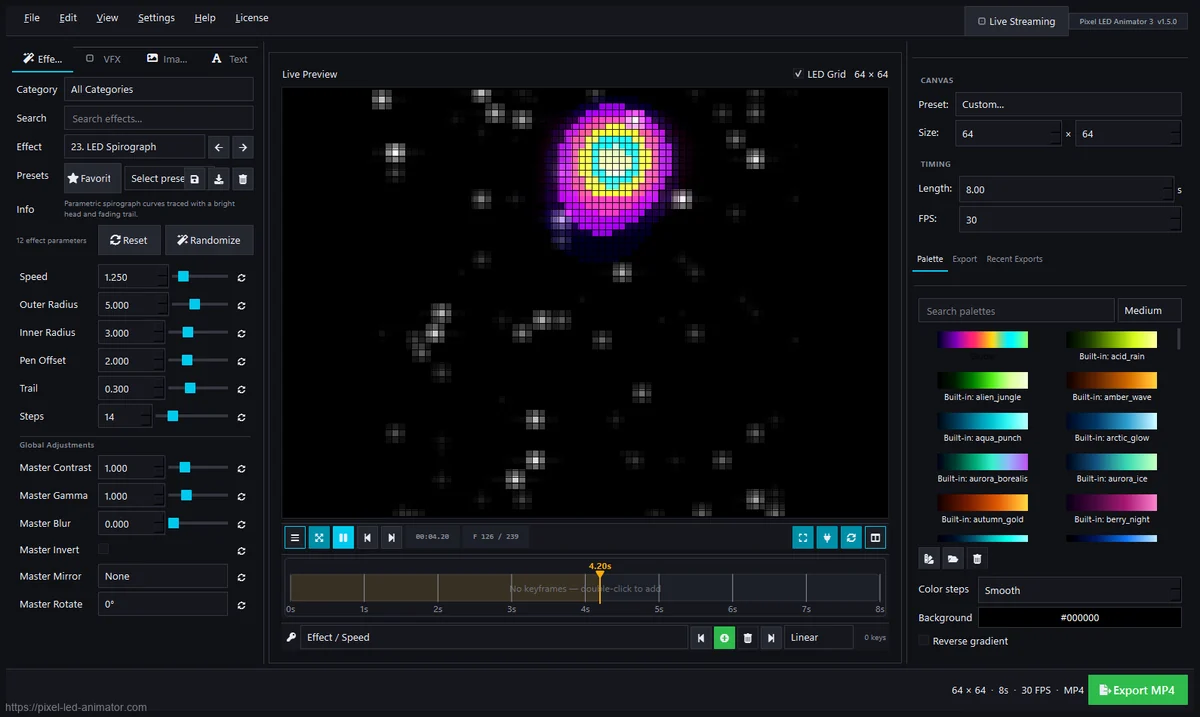
xLights and everything else
For xLights users, the generated animations are perfect as repeating backgrounds or eye-candy matrices inside a sequence. Export to GIF for quick scene assets, or use AVI/MP4 in pixel-effect overlays. Because the output is deterministic per frame, it also integrates cleanly with DMX-driven setups where you need pixel-perfect timing.
How the generation workflow looks
- Pick an effect generator (or combine several)
- Tweak parameters live until it looks right on your matrix preview
- Build keyframes for transitions and movement
- Choose a palette - presets, custom gradients, or your own scheme
- Export to SWF (LedEdit), XDAT, AVI, MP4, GIF or MOV
- Load it onto your controller or sequencer of choice
Tip: design at the matrix size you’ll actually run, then scale the export up. Effects keep their pixel-art character and export identically sized - no blurry upscaling.
Who is it for?
Anyone who wants more than the stock effects: walls running LedEdit or SD-card controllers, Jinx! users who want video-layer breaks, Glediator veterans who want a less painful workflow, and builders who simply want their matrix to look different from everyone else’s.
Pixel LED Animator 3 is a one-time purchase with a lifetime license - all 3.x updates included, one PC, €99 + VAT.
New to the hobby? Start with what an LED matrix actually is and how to pick a strip density before you design effects.